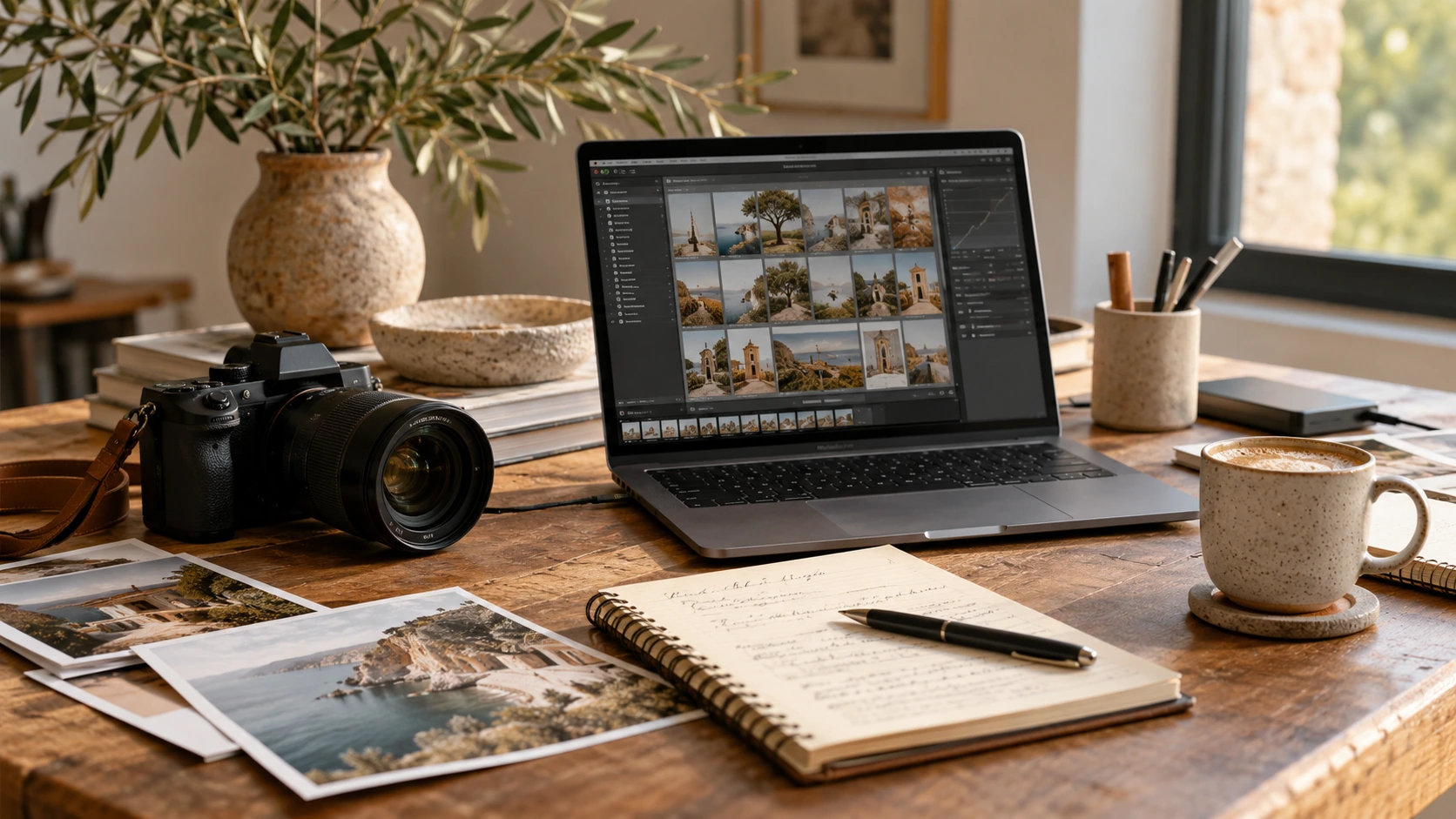
Editing can quietly become the part of a photography business that controls everything else. You finish the session or wedding, back up the files, start culling, and realize the next job is already waiting while the last gallery is still open in Lightroom.
Knowing you need help doesn’t necessarily mean you’re comfortable handing your work to a large production service or letting software make every final decision. A private photo editor gives you another option.
A private photo editor is a human editor who works directly with a photographer, usually one-on-one, to complete agreed post-production tasks in the photographer’s established style. The photographer still defines the look, reviews the returned work, and controls final delivery. The editor takes on the repeatable production work and learns from the photographer’s anchors, notes, and feedback over time.
The goal isn’t to replace your style. It’s to help you deliver that style without personally making every adjustment in every catalog.
What does a private photo editor do?
The exact scope depends on the editor and the agreement. In the broader industry, a private editor may handle some combination of:
- Culling
- Cropping and straightening
- Preset or profile application
- White balance and exposure correction
- Tone, HSL, and color work
- Skin-tone and gallery consistency
- Basic masking or other local work
- Black-and-white selections
- Catalog organization and quality checks
That list describes possibilities, not a universal package. “Photo editing” can mean very different things from one business to another, so the scope should always be clear before a catalog is sent.
At Landin Creative Co., I personally edit each assigned catalog in Lightroom Classic. Standard editing centers on your established look: your preset or profile when provided, balanced cropping and straightening, exposure and white-balance adjustments, tone and color correction, and gallery-wide consistency.
I follow your reference edits instead of imposing a signature look of my own.
Culling, local adjustments (including approved removal work, AI Denoise, or Lens Blur when appropriate), and catalog organization are separate add-ons. Advanced retouching is not included in standard Lightroom editing and has limited availability; composites are not offered.
Original RAW files may be required for approved work in Photoshop or PortraitPro, denoise, advanced removals, or tasks that cannot be completed reliably from Smart Previews.
This is why a private photo editor isn’t automatically the same as a retoucher. Standard Lightroom editing is production work across a group of images. Retouching is usually detailed, image-specific work that requires different files, tools, time, and pricing.

How private editing is different from software or a larger editing service
The clearest difference is the working relationship.
With a private editor, you know who is editing your catalog. Feedback goes directly to that person, and the editor can build useful knowledge from one job to the next: how you treat mixed lighting, where you prefer skin tones to sit, how tightly you crop, which black-and-white choices feel like your brand, and which exceptions matter to you.
Automated editing tools can help photographers who prefer to manage a software-led first pass.
Larger editing services may offer greater capacity or team coverage. Some assign a consistent editor, while others route work based on availability.
A private editing relationship is different because you communicate directly with the person handling the catalog. The best choice depends on how much personal collaboration you want and which part of your workflow needs support.
None of these options is automatically right for every photographer.
The better question is what kind of help you need: software you manage, a service with larger capacity, or a person who learns your workflow directly.
How the private photo editing process works
Every editor has a slightly different system, but a practical private-editing workflow usually follows the same basic path.
1. Start with an inquiry, trial, or small first project
The first step should establish your photography niche, the size and type of work you want to outsource, the software you use, the tasks you want handled, and anything unusual about your workflow.
You don’t have to hand over everything.
You may want the standard Lightroom edit completed while keeping culling, hero images, advanced retouching, final export, and client delivery in-house. A useful first conversation defines the real bottleneck instead of assuming the largest service is the answer.
For wedding and portrait photographers, Landin Creative Co. offers a complimentary 30-image editing trial.
It’s an opportunity to see how closely I can match your established style and how the handoff feels before sending a full catalog.
2. Choose the scope and support model
After the trial, the photographer and editor should agree on what will be handled, what remains with the photographer, and how scheduling works.
At Landin Creative Co., I offer appointment-based editing for individual catalogs and seasonal overflow, with ongoing priority support options for photographers who need a more consistent place in the schedule.
The right arrangement depends on your volume and timing.
You can see the current options on my editing services page. Either way, I’m the person editing your catalog.
3. Prepare the Lightroom catalog and references
For standard Lightroom work, I generally use a Lightroom Classic catalog with Smart Previews, the photographer’s final selects unless culling is approved, edited anchor images, job-specific notes, and any required preset or profile files.
Adobe describes Smart Previews as smaller files based on the lossy DNG format. They allow Lightroom Classic edits while the original files are disconnected, and those edits sync to the originals when they are reconnected.
Lightroom Classic can also build and include Smart Previews when a set of photographs is exported as a catalog.
That makes Smart Previews practical for standard Lightroom outsourcing, but they don’t replace the original files for every task.
A clear handoff should establish when RAW files or another full-resolution format are actually required.

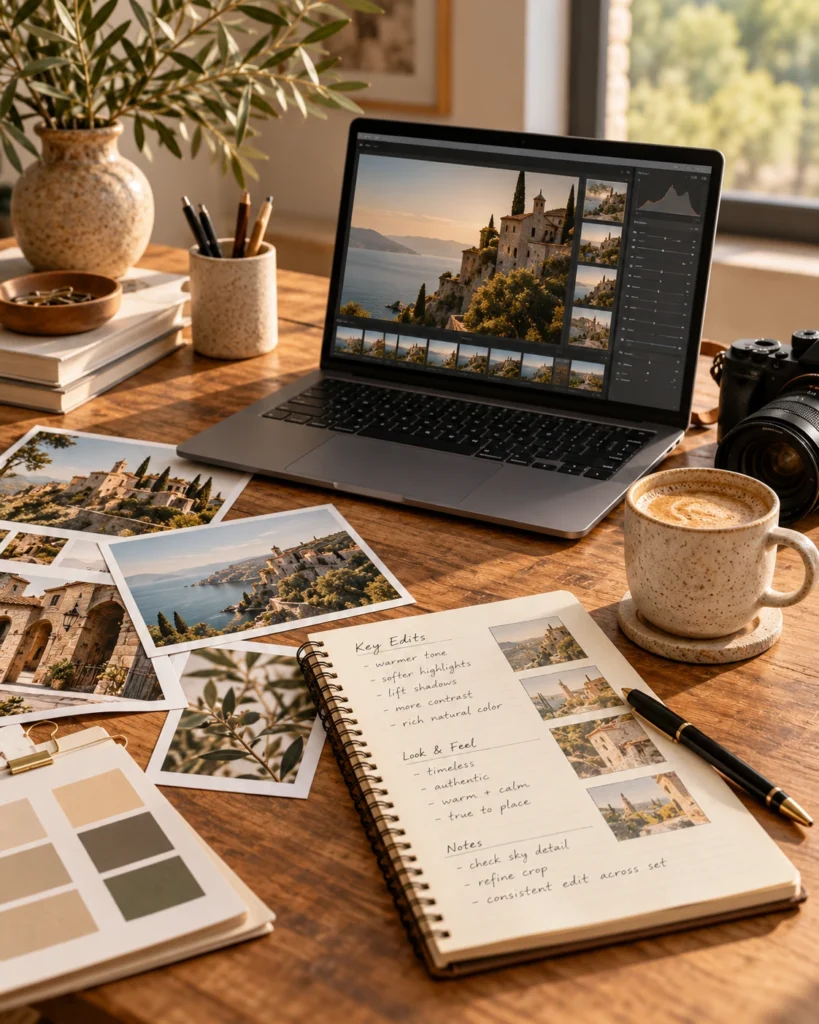
4. The editor works from your anchors, preset, profile, and notes
A preset is a starting point, not a complete style.
Two photographers can use the same preset and produce very different work because style also includes exposure choices, white balance, contrast, skin tone, crop, black-and-white treatment, and how each person handles difficult light.
Anchor images show the editor what “right” looks like inside the actual catalog.
These are photographs you have already edited to represent the lighting situations, colors, and people in that job. Your notes cover decisions the anchors cannot explain.
The editor then works through the agreed images and reviews the catalog as a gallery, not just as a stack of unrelated frames.
That includes checking transitions between lighting situations, comparing similar scenes, and watching for inconsistencies that become obvious only when the images are viewed together.

5. The edited catalog comes back to you
In a catalog-based workflow, the editor returns the edited Lightroom catalog rather than taking over final client delivery.
You open or import the returned catalog, reconnect it to your originals as needed, review the edits, make final creative decisions, and export from your own system.
That final review matters.
Outsourcing should reduce the amount of production work on your plate, not remove your quality-control role.
6. Feedback improves the next catalog
The first project should be useful, but no responsible editor should promise perfect calibration from a tiny sample.
A private editing relationship becomes stronger when feedback is specific and reusable.
“The indoor skin tones are too magenta.”
“I keep reception ambient light warmer.”
“I crop family portraits more loosely.”
Those are useful pieces of feedback because they give the editor a clear decision to carry forward.
The goal isn’t to write a full critique forever. It’s to build a shared language so each handoff becomes easier and the amount of correction decreases.
What the photographer still controls
Hiring a private photo editor doesn’t mean giving up creative ownership.
You still control:
- The services you outsource
- Your preset, profile, anchors, and style direction
- Final selects unless culling is part of the agreement
- Exceptions and hero-image decisions
- Whether advanced retouching is needed
- Review of the returned work
- Export settings, file naming, gallery delivery, and client communication
A good editor works inside those boundaries.
If an outsourcing relationship makes you feel less informed about your own work, the process needs to be clarified.
Who is a good fit for private photo editing?
Private editing tends to work well for photographers who have a repeatable visual direction and a clear production bottleneck.
You may be a strong fit if:
- Galleries regularly compete with shooting, client work, marketing, or personal time.
- You know what you want your images to look like, even if the style still has some catalog-to-catalog variation.
- You use a consistent Lightroom Classic workflow.
- You value direct communication and want the same person learning your preferences.
- You’re willing to prepare clean files, provide anchors, review the returned work, and give useful feedback.
It may not be the right fit yet if your editing style changes completely from week to week, you don’t have time to prepare or review a handoff, you need services the editor doesn’t offer, or you want a deadline without working within the editor’s actual schedule.
Outsourcing also doesn’t have to be all or nothing.
Some photographers outsource only standard edits. Others begin with culling, one wedding, or a small seasonal overflow job.
Starting with the part that causes the most friction usually gives you a clearer answer than redesigning your entire workflow at once.
Questions to ask before hiring a private photo editor
Before sending a catalog, ask:
- Will you personally edit my work, and will the same person handle future catalogs?
- What’s included in standard editing, and what’s an add-on?
- What files, presets, profiles, anchors, and notes do you need?
- When are Smart Previews enough, and when do you require RAW files?
- How do scheduling, turnaround, and busy-season capacity work?
- How should I review the returned work and provide feedback?
- What’s the revision policy?
- How are catalogs, original files, and private information handled and deleted?
Clear, specific answers matter more than a polished promise that outsourcing will be effortless.
Frequently asked questions about private photo editors
Is a private photo editor the same as a retoucher?
Not necessarily. A private photo editor often handles repeatable production work across a catalog, while a retoucher typically performs detailed work on individual images.
Some people offer both, but the services should be scoped separately.
Does a private photo editor need RAW files?
Not for most standard Lightroom editing when a properly prepared catalog with Smart Previews is provided.
RAW files may still be required for Photoshop, PortraitPro, denoise, advanced removal work, full-resolution inspection, or other tasks that cannot be completed reliably from Smart Previews.
Can I outsource only part of my workflow?
Yes. You can keep culling, hero images, advanced retouching, export, or delivery while outsourcing standard edits.
You can also ask about culling separately when that’s the real bottleneck. Balanced cropping is included with standard editing at Landin Creative Co.
Should the first catalog come back perfectly matched?
A capable editor should produce a useful result from clear anchors and instructions, but calibration usually improves across several projects.
The first catalog tests technical fit, communication, judgment, and how well both sides use feedback.
Does human editing mean no AI-assisted tools are used?
No. Human editing and avoiding technology aren’t the same thing.
An editor may use appropriate tools inside Lightroom or Photoshop, but a human should remain responsible for reviewing the work and the final result.
At Landin Creative Co., I personally make the editing decisions and review the work. My service isn’t an automated gallery-editing subscription, although I may use approved Lightroom tools such as AI Denoise as an add-on.
Ready to see whether private editing fits your workflow?
You don’t need to commit a full season to find out.
A small, realistic trial can show you how the file handoff, style matching, communication, and return process actually feel.
If you’re a wedding or portrait photographer, you can start with my complimentary 30-image trial.
Choose images that reflect the work you would actually outsource, include your edited anchors and any important notes, and use the result to decide whether we’re a good fit.
About Landin Creative Co.
I’m Rosie, the private photo editor behind Landin Creative Co. I work directly with wedding, portrait, newborn, family, and lifestyle photographers using Lightroom Classic, carefully matching each photographer’s existing editing style and workflow.
Landin Creative Co. also offers Showit template customization as a separate creative service.

0 COMMENTS